The Studio
Spark Learning Studio
Three studios, one sign-in, one cycle of growth: design lessons that start with wonder, watch how they actually land in your classroom, and turn your wonderings about teaching into published findings.
Inside the Studio
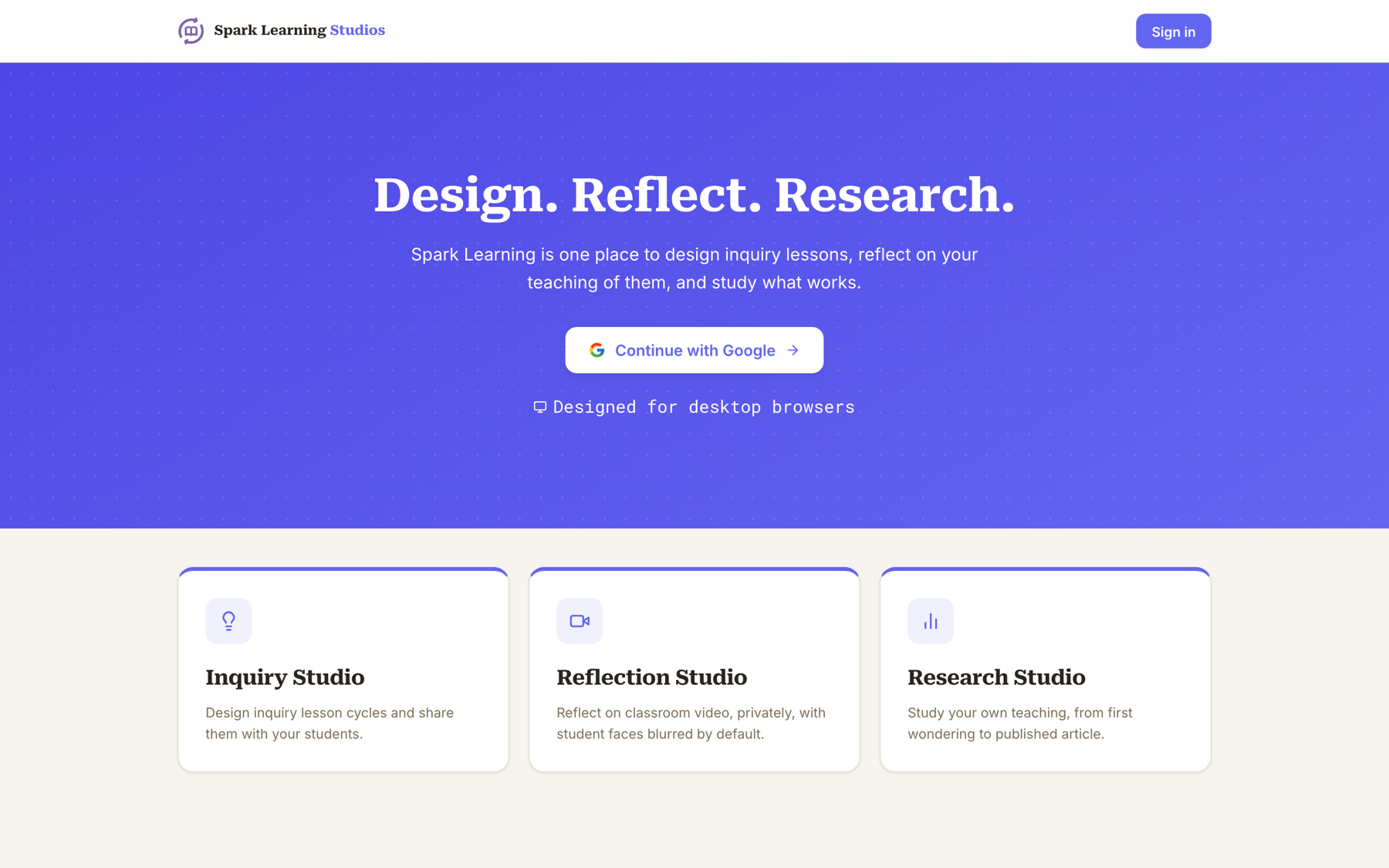
Design. Reflect. Research.
Great teaching is a cycle, so the Studio is one too. Design the learning, reflect on how it went, then study what works, and let what you find start the next design.
Inquiry Studio
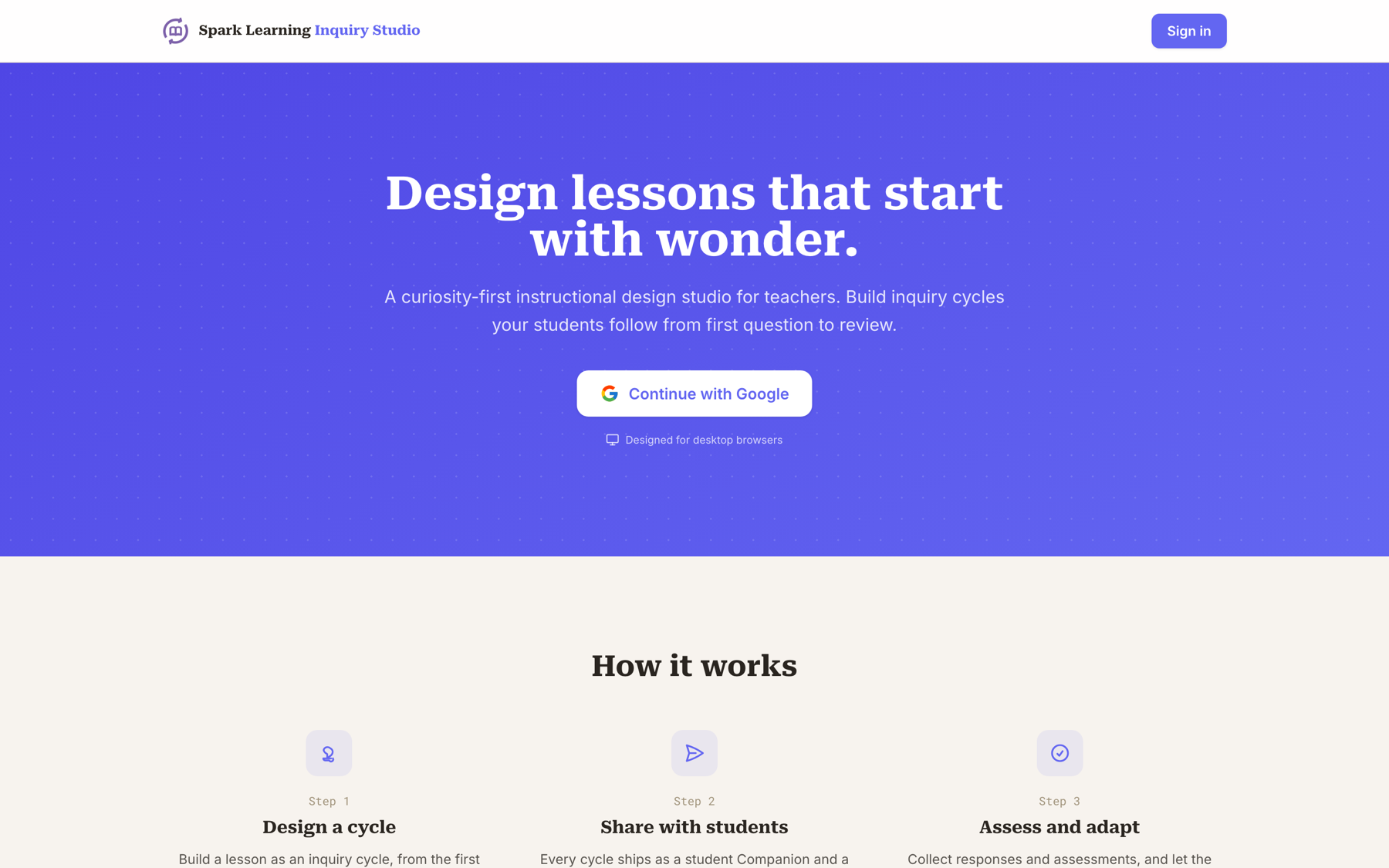
"Design lessons that start with wonder."
A curiosity-first instructional design studio. Build inquiry cycles your students follow from first question to review, and every cycle ships with a student companion and a printable PDF.
Open Inquiry Studio →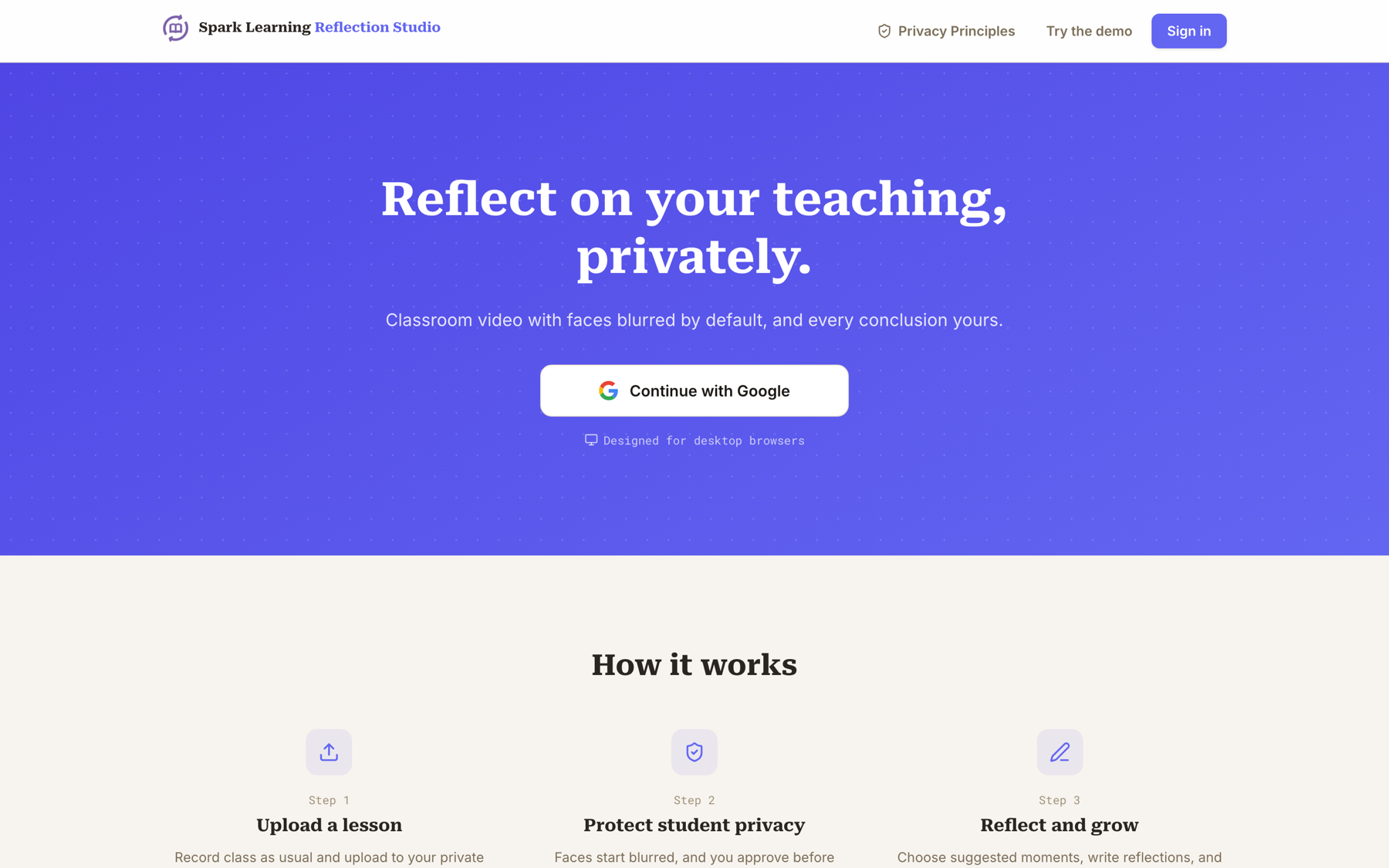
Reflection Studio
"Reflect on your teaching, privately."
Upload classroom video and watch your own teaching with student faces blurred by default. Choose the moments worth sitting with, write reflections, and keep every conclusion yours.
Open Reflection Studio →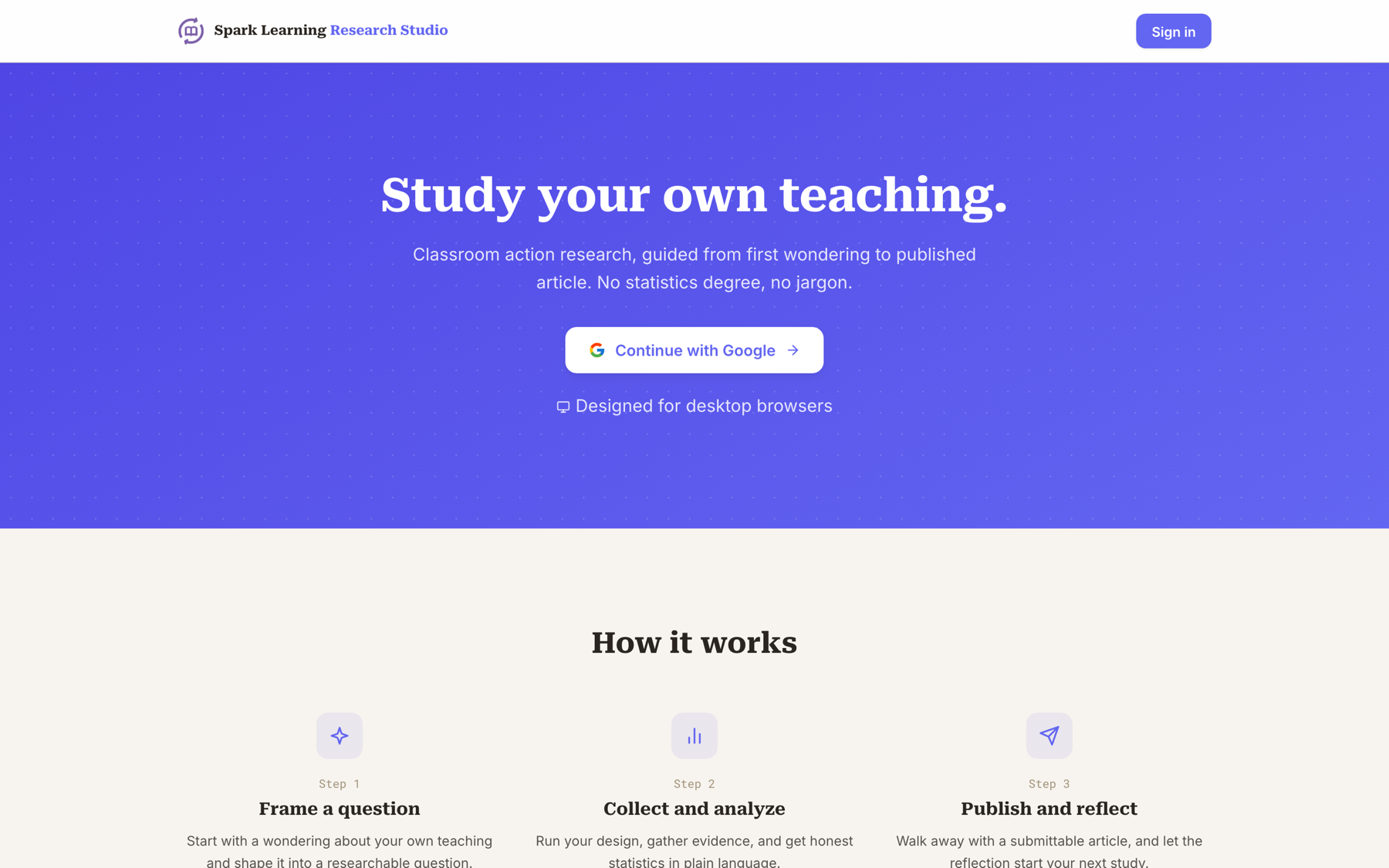
Research Studio
"Study your own teaching."
Classroom action research, guided from first wondering to published article. Frame a question, collect and analyze evidence, and walk away with a submittable write-up. No statistics degree, no jargon.
Open Research Studio →The Spark Learning Process
One idea, three ways in.
Curiosity-first is not a slogan, it is a process. It shows up in three places: the talk that named it, the book that maps it, and the studio that puts it in your hands.
3 Rules to Spark Learning
The spark. How a brush with mortality sent me back to the classroom with three rules for putting curiosity first.
Watch the talk →02 · The BookSpark Learning
The method. Research, stories, and ready-to-use templates for designing lessons that start with a question.
Read the book →03 · The StudioSpark Learning Studio
The practice. Design inquiry lessons, reflect on your teaching, and study what works, all in one place.
Open the Studio →